 SmartBloc
Automate whole processes, start to finish
The repetitive work between your team and your tools: approvals, follow-ups, handoffs, and reports. All of it handled automatically and reliably, whatever the size of the job.
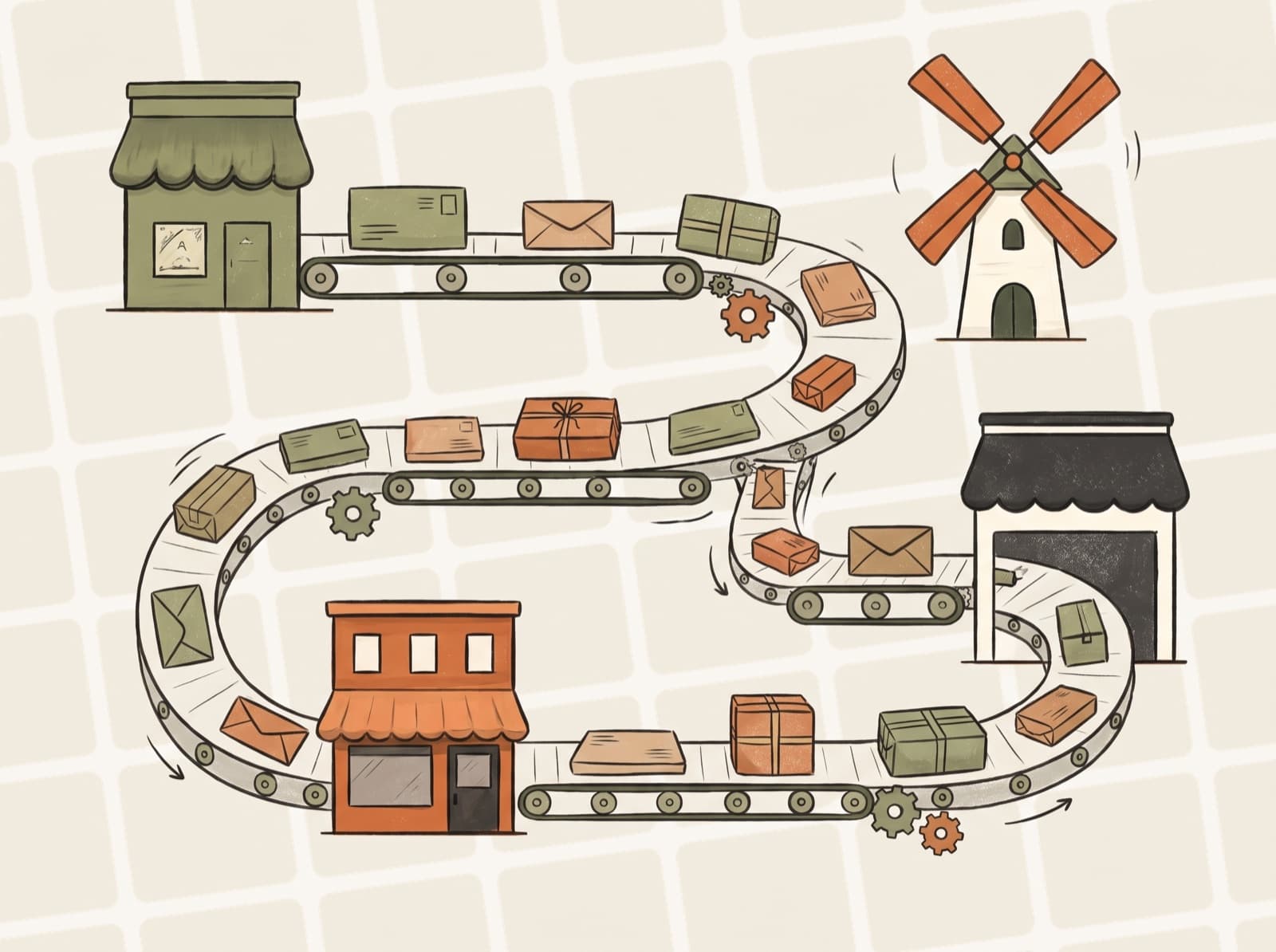
How It Works
From scattered tasks to a process that runs itself
Work comes in
- 1Kicking off
- 2Running each step
- 3Handling exceptions
- 4Confirming done
Work gets done
What’s Included
Built for how your business actually works
Approval chains, exceptions, and special cases, automated the way your business actually works today.
In Practice
Common use cases
A few of the ways businesses like yours put this to work. Every build is shaped around your tools and your process.
- New-hire paperwork and account setup
- Order processing from purchase to fulfillment
- Keeping customer info consistent across your systems
- Approval and review workflows
- Compliance and regulatory reports
Common Questions
Workflow Automation questions, answered
What kinds of work can be automated?
The repetitive work between your team and your tools: approvals, follow-ups, handoffs, reports, new-hire paperwork, and order processing. It's automated the way your business actually works, including the exceptions and special cases.
What happens if a step fails?
The system retries automatically and alerts us if something needs attention. You'll always know when a workflow is waiting on a human decision.
Will my team have to change how they work?
No. The automation connects to the software you already use and works around your existing process. Your team doesn't have to learn new tools.
Can I see what the automation is doing?
Yes. You get a simple view of what ran, what's in progress, and the rare items waiting on a human decision.